Sort your photos. Clean out the rest.
SortClean sorts the photos and screenshots on your iPhone into categories, picks the best of each similar set, and helps you delete what you don't need.
Coming soon to the App Store
Free to download · optional Pro subscription For iPhone · iOS 18 or later
What it does
Similar & Duplicates
Look-alike shots and repeated copies are grouped. In each group the best one is marked, with the reason: sharpest, eyes open, best light. You choose what goes.
Screenshots count as duplicates only when their text matches.
Old Screenshots
Screenshots older than a year line up for a quick review. Swipe left to delete, right to keep.
Nothing is deleted until you confirm.
Compress Videos
Large videos stored on your iPhone are replaced by smaller copies, in 1080p or 720p. The copy keeps its date, place and albums.
The original stays in Recently Deleted for 30 days.
Automatic Categories
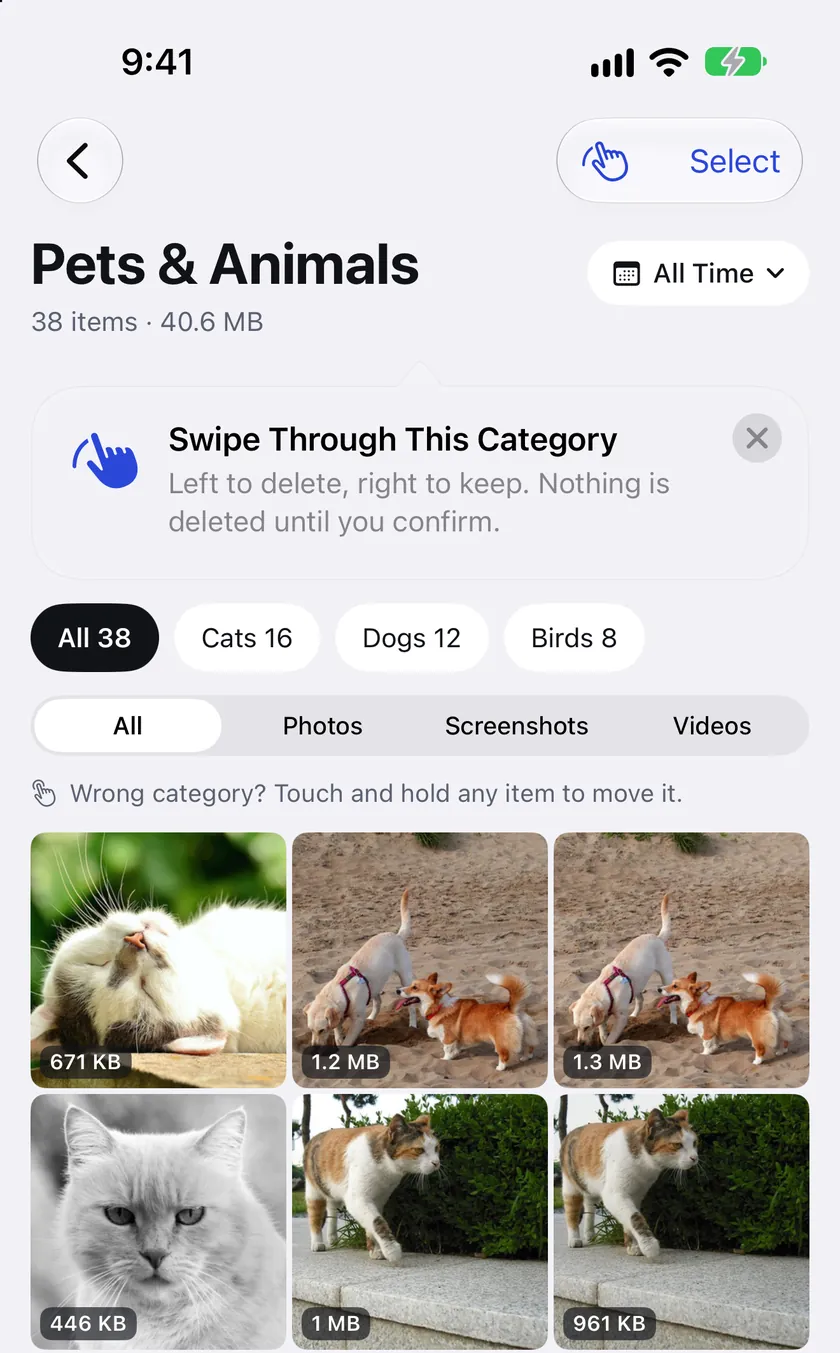
Photos and screenshots are sorted together into 200+ categories, from pets and recipes to receipts and AI chats. If one is wrong, touch and hold to move it.
With Pro, every category becomes an album in the Photos app.
From our tests
- photos, screenshots and videos in the library
- 27,000
- to sort them into categories
- ~12 min
- the phone we tested on
- iPhone 15
Reading the text in screenshots takes longer. You can start cleaning while it runs.
Screens from the app
Shown with a small sample library.
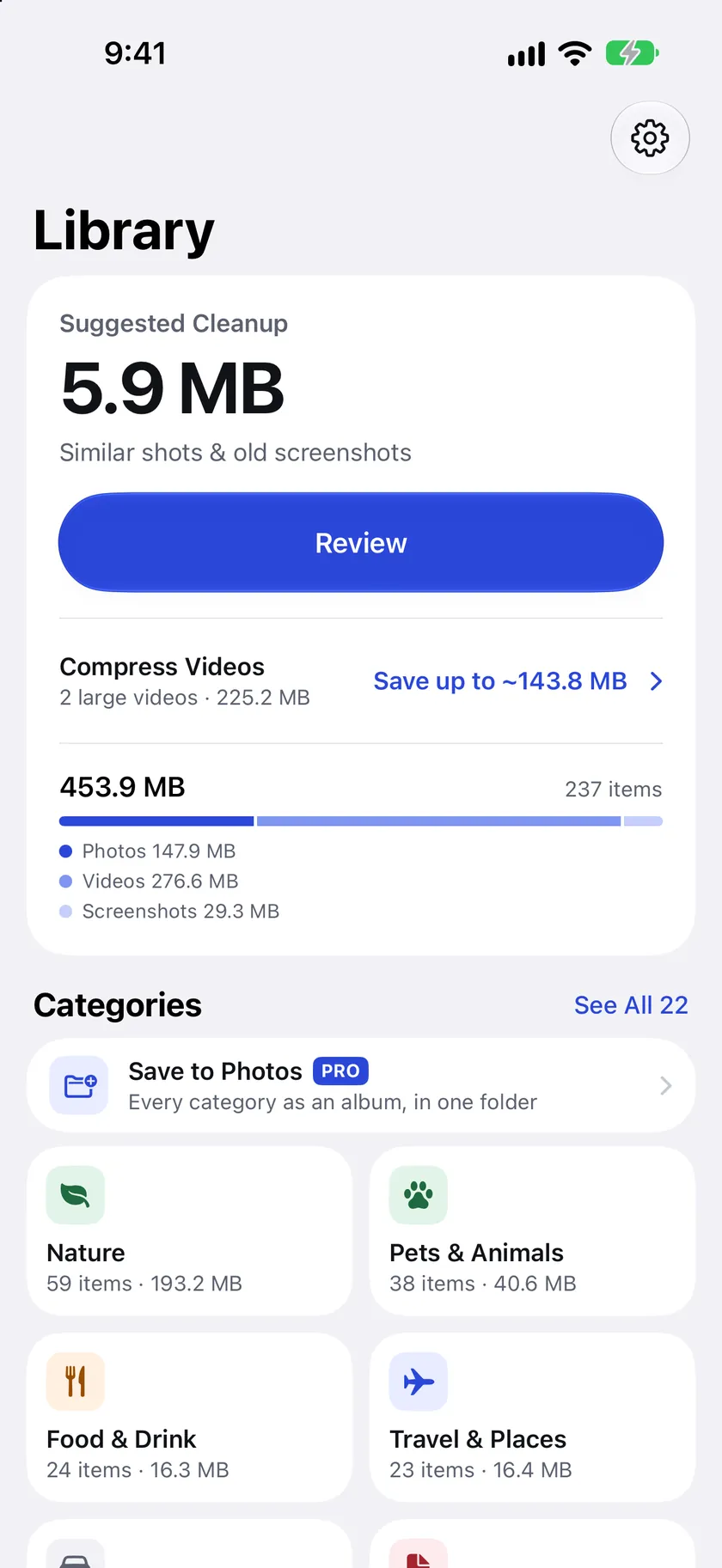
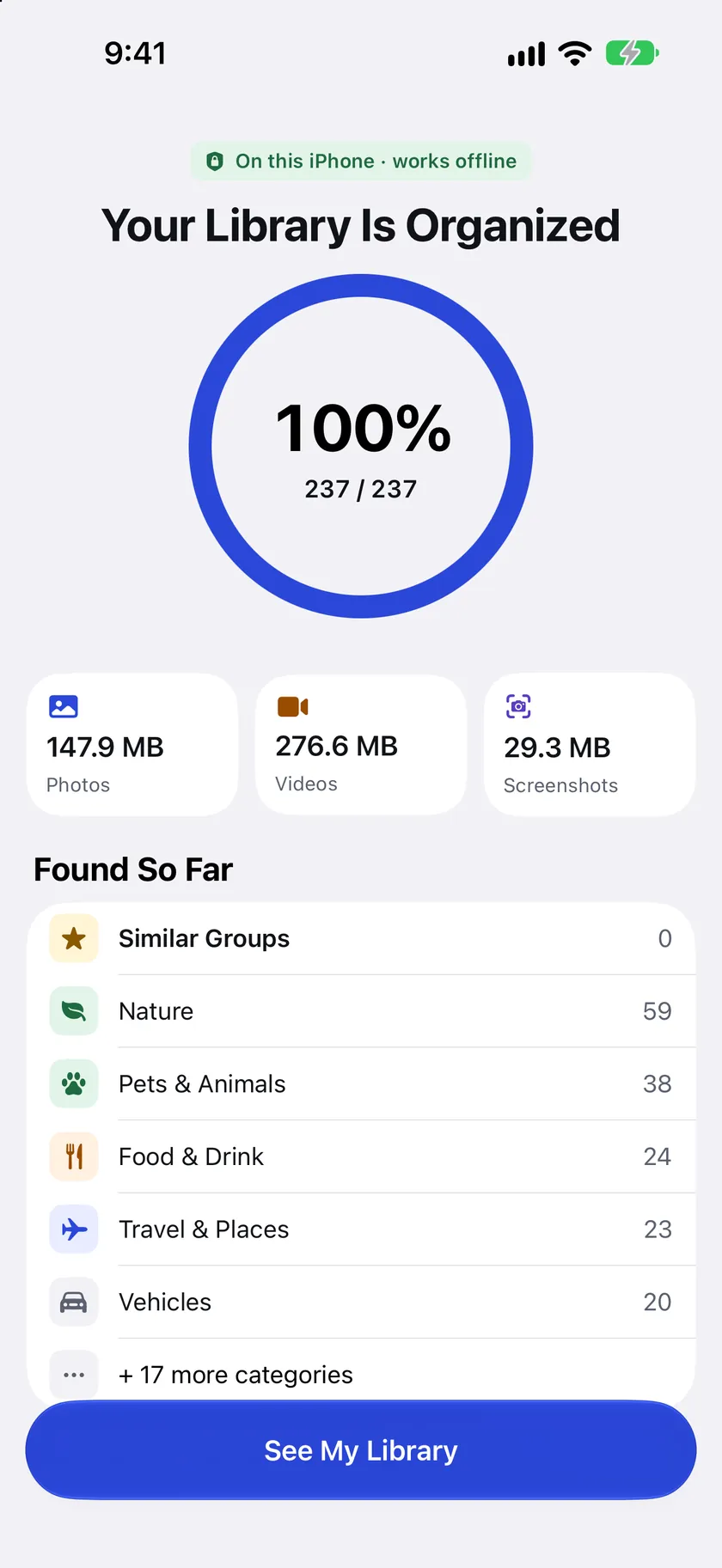
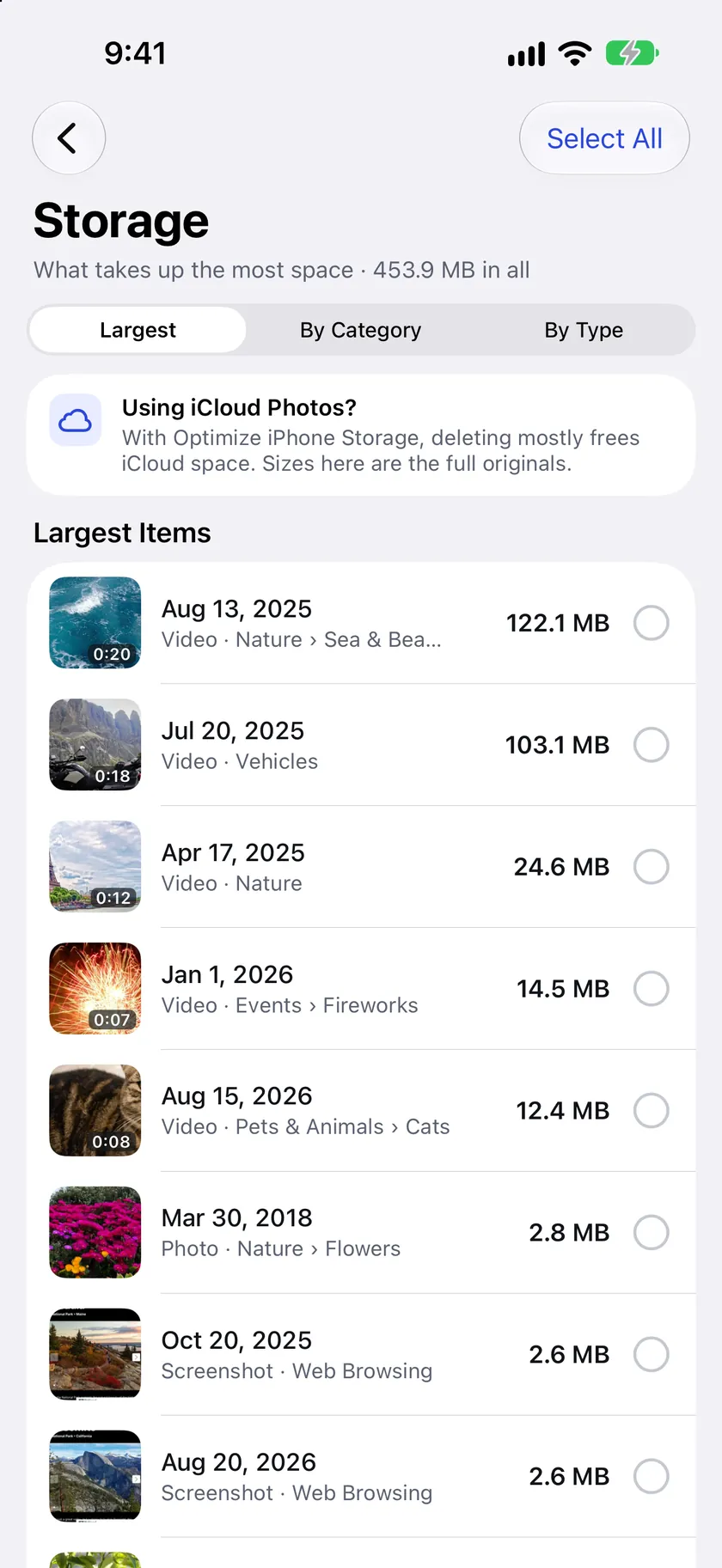
Analysed on your iPhone. Never sent to us.
SortClean sorts your library with a model built into the app. Your photos, and everything the app works out from them, stay on your iPhone. We have no server for them to go to.
- No account
- No ads
- No tracking
- Sorting works offline
Questions
Does SortClean delete anything without asking?
No. Nothing is deleted until you confirm, and iOS itself asks before any item leaves your library. Deleted items go to the Recently Deleted album in the Photos app, where you can recover them for 30 days. When you compress a video, the smaller copy keeps the date, place, favourite mark and albums, and the original goes to Recently Deleted. If you use iCloud Photos, a deleted item is removed from your other devices too.
Where do my photos and data go?
Nowhere. All analysis happens on your iPhone, and your photos never leave it. There's no account, no ads and no tracking, and we collect no data. The only exception is this website, which counts visits without cookies. The details are in the privacy policy.
How do I cancel my subscription?
Open the Settings app on your iPhone, tap your name, then Subscriptions, choose SortClean and tap Cancel Subscription. If you have Pro, you can also get there from the app: Settings › Manage Subscription. Apple manages subscriptions, so this stops the next charge. You keep Pro until the end of the period you've paid for. Deleting the app doesn't cancel the subscription.
What's free, and what is Pro?
Free: the full scan, every category, sizes, similar groups with the best pick, deleting items one at a time, keeping the best of one group at a time, one bulk clean-up of up to 100 items and one video compression. Pro adds unlimited bulk clean-ups, albums in Photos and unlimited video compression. Pro is an auto-renewing subscription: weekly, monthly or yearly. The App Store shows the price in your currency before you buy.